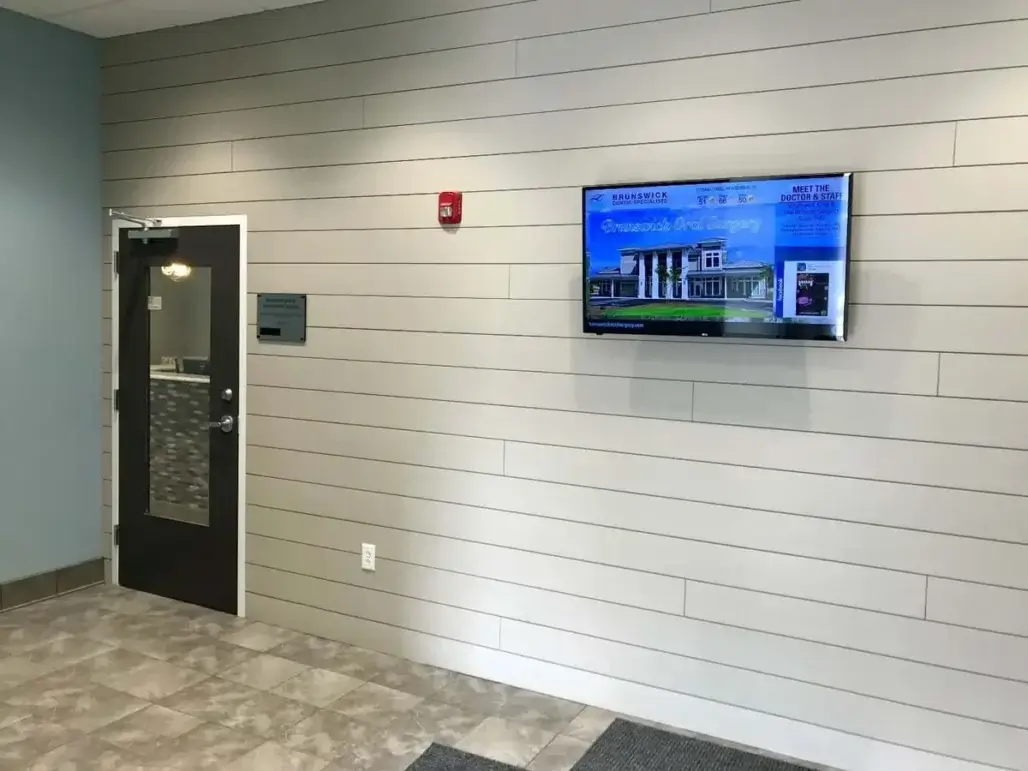
Gyms use digital signage to put timely information where members can see it during their visit: class schedules near studios, announcements at reception, workout motivation on the fitness floor, promotions in high-traffic areas, and reminders in shared spaces. The practical goal is not simply to add more screens. It is to decide what each screen should accomplish, match the message to its location, and keep that information current.
A useful gym signage plan starts with a few repeatable jobs for the screens. That makes day-to-day management easier than treating every update as a new project, while giving different parts of the facility content that fits the member moment.
- Keep class schedules and session changes visible.
- Share facility announcements, hours, policies, and reminders.
- Promote programs, personal training, events, and relevant offers.
- Support workout motivation with challenges, trainer tips, and recognition.
- Help members and visitors find studios, services, and useful next steps.
For broader solution and buying considerations, explore REACH Digital Signage for Gyms and Fitness Centers.
Use Gym Digital Signage by the Goal You Need to Accomplish
The easiest way to decide how to use gym digital signage is to start with the outcome you need from a screen. A front-desk display may need to orient and inform. A studio screen may need to keep a changing schedule visible. A fitness-floor screen may be better suited to short motivational or safety content. Defining the job first keeps the screen from becoming a random rotation of unrelated messages.
For fitness marketing and operations teams, six goals cover many everyday use cases: informing members, promoting programs, motivating workouts, reducing repetitive manual communication, guiding visitors, and keeping offers current. The content can change without changing the underlying purpose of the screen.
| Gym Goal | Useful Screen Content | Example Location |
|---|---|---|
| Inform members | Hours, closures, policy updates, facility reminders and announcements | Lobby, front desk, common areas |
| Promote programs | Classes, personal training, workshops, events and seasonal programs | Lobby, studios, waiting areas |
| Motivate workouts | Challenges, concise trainer tips, recognition and short motivational content | Fitness floor, cardio area |
| Reduce repeated updates | Frequently changing schedules and reminders that would otherwise require posters or repeated staff explanations | Front desk, studios, shared areas |
| Guide visitors | Studio or room directions, lobby information and simple destination cues | Entrance, lobby, transition areas |
| Keep offers current | Membership, retail, smoothie-bar, pro-shop or seasonal promotions where relevant | Lobby, cafe, retail area |
ClubWorx is a useful fitness-club proof point for this approach because the customer evidence supports member engagement and using wait time as a communication opportunity. The lesson is practical: moments when members are already looking around the facility can become useful opportunities to inform rather than relying only on flyers or verbal reminders.
For more ideas, see Using Signage for Workout Motivation for motivation-specific examples and Digital Signage Content Ideas for Gyms for deeper content-planning guidance.
Match the Content to the Screen Location
A gym should not show identical content on every display. Members have different information needs as they move through the facility, and the amount of attention they can give a screen changes with the setting. Reception allows a little more orientation; an active workout area calls for shorter messages; a studio entrance is a natural place for class-specific information.
Thinking in facility zones also makes screen planning easier. Instead of asking what to put on “the signage network,” decide what belongs at reception, on the fitness floor, near studios, in common areas, and in any cafe or retail space.
| Screen Location | Recommended Uses | Why It Fits |
|---|---|---|
| Lobby / front desk | Welcomes, announcements, membership offers, events, QR codes | Members are arriving, orienting themselves and deciding what comes next. |
| Fitness floor | Motivation, safety reminders, concise trainer tips, challenges | Members are active, so messages should be brief and easy to absorb. |
| Class studios | Schedules, instructor notes, session changes, upcoming classes | The content can answer immediate questions about the class experience. |
| Locker / common areas | Events, policies, reminders, community updates | Members have a transition moment and can notice next-step information. |
| Cafe / pro-shop | Menus, specials, products and relevant promotions | The screen can support a specific service or purchase context. |
If navigation becomes a larger requirement, explore digital directory signage or digital wayfinding signage for more specialized guidance.
Plan and Update Gym Screen Content Without Creating Another Manual Chore
The ongoing workload is often the practical concern behind a signage project: schedules change, promotions expire, and different screens need different information. A repeatable workflow is more sustainable than rebuilding content from scratch every week. Start with recurring content categories, decide which screens need them, and plan time-sensitive changes before they become urgent.
REACH can support this operating model with a cloud CMS, scheduling and playlists, remote publishing, professional setup, branded initial layouts, ongoing training, and unlimited support. Those capabilities should make content easier to keep visible and current while preserving the team’s ability to manage day-to-day content themselves.
- Plan — Define recurring categories such as schedules, announcements, programs, motivation, and promotions, then assign them to the right screens.
- Create — Prepare concise, brand-consistent content suited to each location and audience.
- Schedule — Set time-sensitive class, event, and promotional content ahead of time when appropriate.
- Publish — Use the cloud-based workflow to update screens without relying on local paper, USB, or other manual-only processes.
- Refresh — Remove expired messages, rotate repetitive content, and check that each screen still reflects its location.
A simple weekly maintenance check can focus on what has expired, what is coming up, which messages have become repetitive, whether each screen is still location-relevant, and whether branding remains consistent.
For more on managing screen content, explore REACH Digital Signage CMS Software.
Common Gym Digital Signage Mistakes to Avoid
Good gym signage is less about adding more content and more about keeping the content useful. Most problems come from treating a digital screen like a permanent poster, ignoring where the screen sits, or allowing time-sensitive information to stay up after it has stopped being useful.
| Common Mistake | Better Approach |
|---|---|
| Treating screens like static posters | Use planned rotations and refresh time-sensitive content so the screen remains current. |
| Showing identical content everywhere | Assign content by location, audience and member moment. |
| Letting schedules or promotions expire | Review dated content routinely and remove it when it is no longer relevant. |
| Using too much text | Prioritize the essential message and make the next action easy to understand. |
| Forgetting brand consistency | Use consistent layouts, tone and visual conventions across recurring content. |
| Making one person rebuild every update | Use repeatable categories, schedules and a manageable publishing process rather than one-off manual work. |
| Ignoring the member journey | Choose messages based on what members are doing and likely to need at that point in the facility. |
ClubWorx reinforces the broader lesson behind these mistakes: fitness screens are most useful when they turn member-facing time and space into clear communication opportunities rather than simply recreating cluttered poster or flyer habits on a TV.
For deeper guidance on what to create and how to keep ideas fresh, see Digital Signage Content Ideas for Gyms.
Customer Example: ClubWorx
ClubWorx is the clearest primary fitness-club example for this practical how-to page.
The customer evidence supports using digital signage for member engagement and wait-time communication, including the move beyond traditional posters and flyers. That makes the story particularly relevant to reception and transitional moments, where members may have time to notice class information, program reminders, challenges, or other useful content.
The transferable lesson is not that every gym should copy the same screen content. It is that teams can identify moments when members are already present and receptive to information, then use the screen to make that moment more useful. Content still needs to fit the facility, audience, and location.
See how ClubWorx energizes its community with digital signage.
Frequently Asked Questions About Using Digital Signage in Gyms
How can gyms use digital signage throughout their facility?
Gyms can use digital signage for class schedules, announcements, promotions, workout motivation, facility updates, and visitor information. The most useful approach is to give each screen a clear job and tailor its content to the location. Reception may emphasize announcements and upcoming programs, while studios can prioritize schedules and session changes. For broader solution guidance, explore REACH Digital Signage for Gyms and Fitness Centers.
What should gyms display on digital signage screens?
Useful gym screen content includes class schedules, membership or program offers, trainer tips, fitness challenges, facility reminders, events, member recognition, and relevant promotional messages. The mix should reflect what members need at that screen location rather than trying to show everything everywhere. See Digital Signage Content Ideas for Gyms for a deeper framework for planning content ideas.
Where should digital signage be placed in a fitness center?
Place screens where members naturally look for information or have a useful transition moment, such as reception areas, fitness floors, studio entrances, locker-room common areas, cafes, and retail spaces. The location should determine the message: studio screens can emphasize class information, while workout-area screens need shorter content that is easy to absorb while members are active.
Can digital signage display class schedules and promotions on the same screen?
Yes. A gym can organize schedules, announcements, promotions, and other messages into planned layouts or rotating playlists so the screen serves more than one communication need. The important part is keeping priority information easy to find and scheduling time-sensitive messages appropriately rather than allowing promotional content to crowd out the information members need most.
Can different screens show different content?
Yes. Different screens should reflect their location and audience so members receive relevant information as they move through the facility. A lobby display can support orientation and announcements, a studio screen can focus on classes, and a fitness-floor display can use concise motivation or safety reminders. This location-aware approach is more useful than sending the same playlist to every screen.
How often should gym digital signage content be updated?
Update gym signage often enough to keep schedules, events, promotions, and announcements accurate and relevant. There is no single update frequency for every content type: a class change may need a prompt update, while evergreen facility information can remain longer. A regular review and planned content rotation helps prevent outdated or repetitive messaging without requiring constant new creative.
How can gyms avoid stale screen content?
Use recurring content categories, scheduled updates, planned rotations, and location-specific messaging instead of leaving one static message on a screen indefinitely. Review dated information routinely, remove expired promotions, and rotate recurring content before it becomes repetitive. A cloud CMS, scheduling, playlists, and remote updates can support this process while staff retain control of everyday content management.
Next Steps for Fitness Centers
Once the day-to-day use cases are clear, the next decision is whether the broader signage approach fits the facility, staff workflow, and communication needs. The Gym/Fitness industry page is the primary next step for readers evaluating the full solution rather than just looking for implementation ideas.
Readers who are still planning content can continue into the content-creation and Q&A resources. Teams that are ready to evaluate REACH can move to a light demo path after the educational question has been answered.
Related Resources
- REACH Digital Signage for Gyms and Fitness Centers — broader solution evaluation.
- Gym & Fitness Digital Signage Questions Answered — practical buyer questions and answers.
- Digital Signage Content Ideas for Gyms — deeper content-planning guidance.
Ready to evaluate a solution? Explore REACH Digital Signage for Gyms or request a demo.