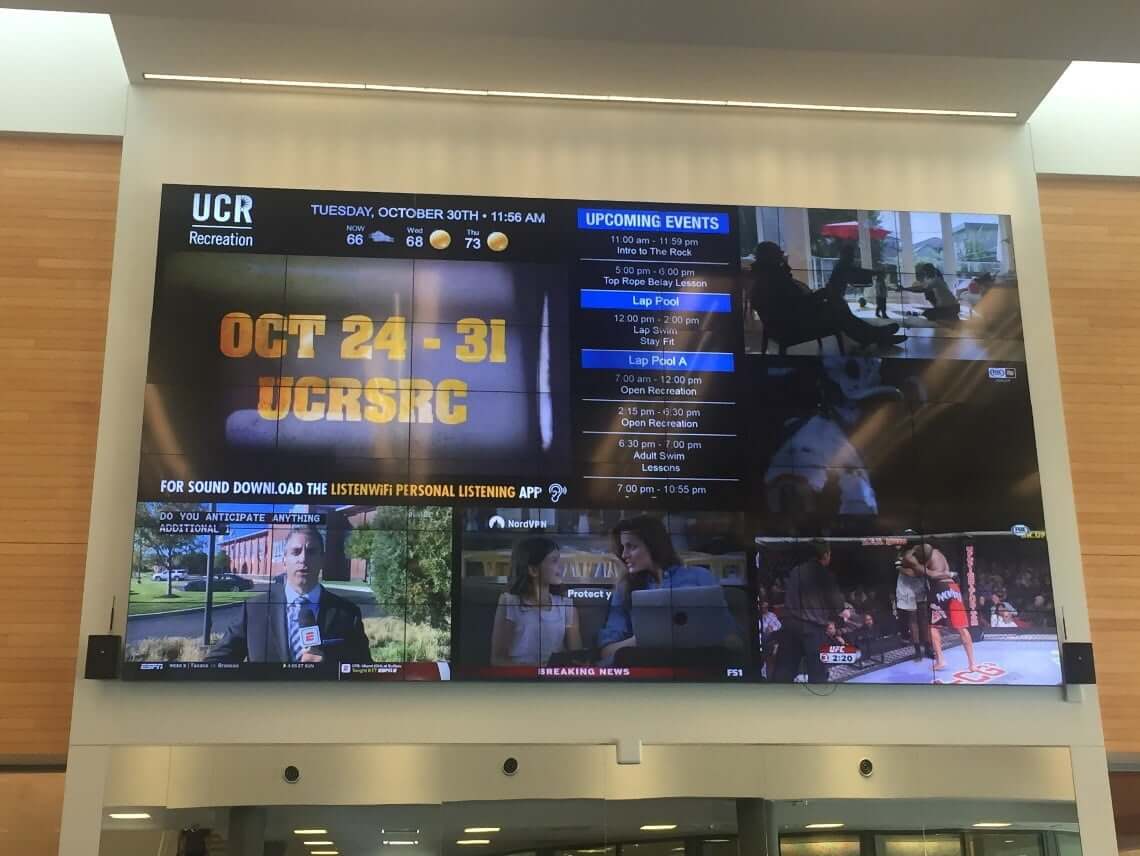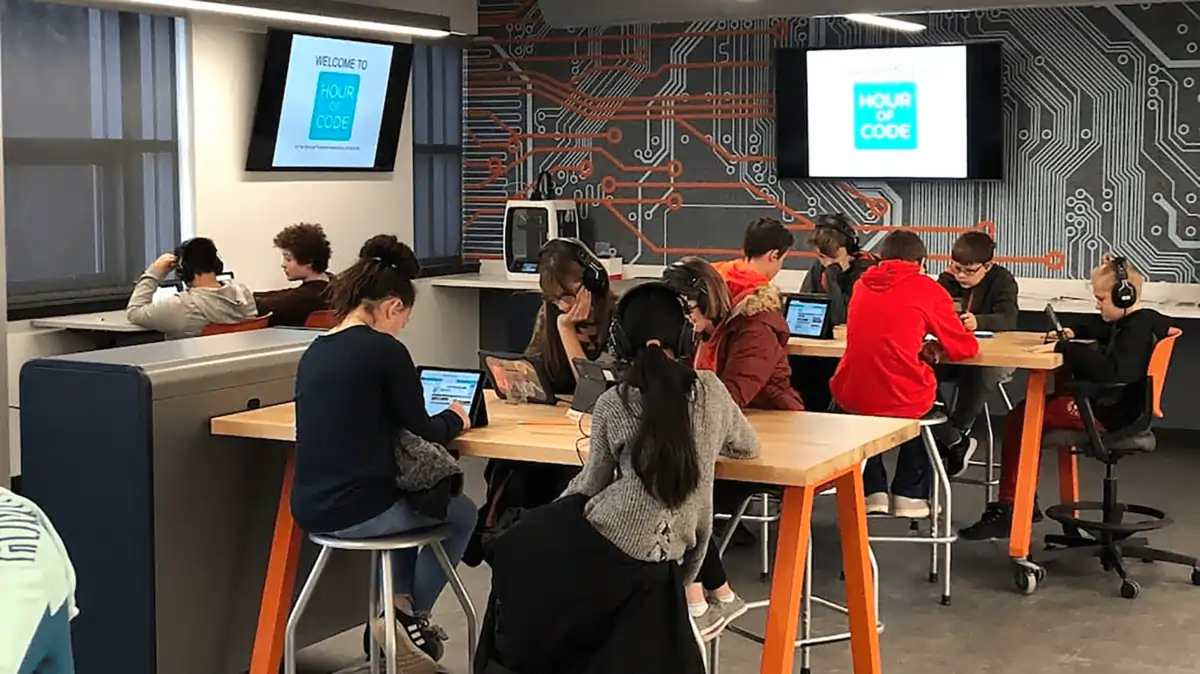
The most useful K-12 digital signage apps are the ones that bring frequently changing school information onto screens without creating another manual content task. Calendars, announcement feeds, weather and alert information, community updates, and multimedia can all make displays more useful when each source solves a real communication need.
The goal is not to add as many apps as possible. Schools should prioritize content students, staff, families, and visitors actually need, then choose sources that can stay current with reasonable staff effort. This guide focuses on app categories and school communication workflows rather than comparing digital signage platforms.
For broader solution evaluation, see REACH’s Digital Signage for Schools & Districts page.
TL;DR: the highest-value school signage app categories
- Calendar and event apps: keep assemblies, testing, athletics, concerts, and family events visible.
- News and announcement apps: reinforce school and district updates without rebuilding the same slide repeatedly.
- Weather and emergency information: surface time-sensitive information as part of the school’s approved communication process.
- Social and community feeds: highlight achievements, events, and school culture when the source is appropriate for public display.
- Video and multimedia: support specific moments such as welcomes, student showcases, events, and campaigns rather than filling every screen with video.
What makes a good school digital signage app?
A good school digital signage app earns its place on the screen by reducing communication friction. The information should change often enough to benefit from a connected source, matter to the audience in that location, and remain understandable at a glance. If staff still have to recreate the same information manually in several places, the workflow is not solving the underlying problem.
Schools should also consider whether the content belongs on every screen. An event calendar may be useful at an entrance, in a hallway, and near a cafeteria, while a visitor-focused directory is most useful near reception. Scheduling can help recurring or time-sensitive messages stay current, but the content source and screen location should determine the approach.
| What to look for | Why it matters |
|---|---|
| Frequently updated information | Connected or repeatable content is most useful when details change often. |
| Clear audience value | Students, staff, families, or visitors should have a reason to see it. |
| Low manual maintenance | The app should reduce repeated content recreation rather than add another task. |
| Location relevance | The content should fit the audience and dwell time around that screen. |
| Scheduling where useful | Time-sensitive information should appear when it is relevant and stop when it expires. |
Calendar and event apps
Calendar content is often one of the highest-value categories for schools because event information changes constantly and already exists in day-to-day operations. When schools can bring schedule information onto displays, screens can reinforce what is happening without requiring staff to rebuild every event as a separate slide.
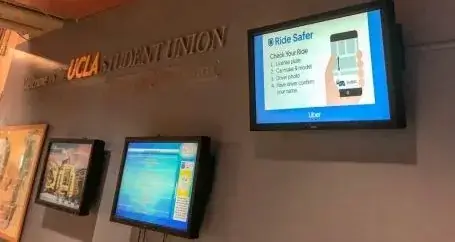
Useful examples include assemblies, testing schedules, concerts, parent evenings, athletics, club meetings, and school events. Entrance displays can orient families and visitors, hallway screens can reinforce what is happening that day or week, and cafeteria or front-office screens can surface upcoming activities where people naturally pause.
For more on available content categories, explore REACH’s Digital Signage Apps library. Specific integration behavior, setup, and availability should be confirmed for the school’s chosen source.
News and announcement apps
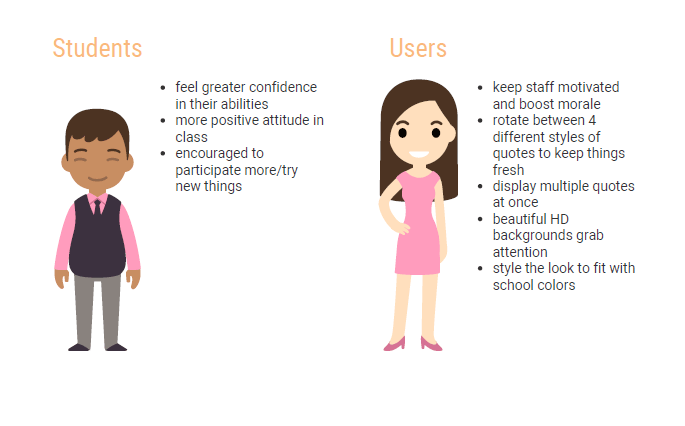
Announcement feeds are useful when schools repeatedly communicate the same categories of information. Principal messages, district news, morning announcements, reminders, student recognition, and schedule notices can rotate through high-traffic screens so the message is not limited to a single PA announcement, email, or printed notice.
The practical advantage is repetition with less duplication of effort. Schools can use rotating announcement content for information that needs visibility throughout the day while keeping essential operational messages concise. Spruce Grove High School is part of REACH’s validated K-12 proof set for student engagement and varied communication, supporting the broader value of using screens for multiple school communication needs.
Weather and emergency information
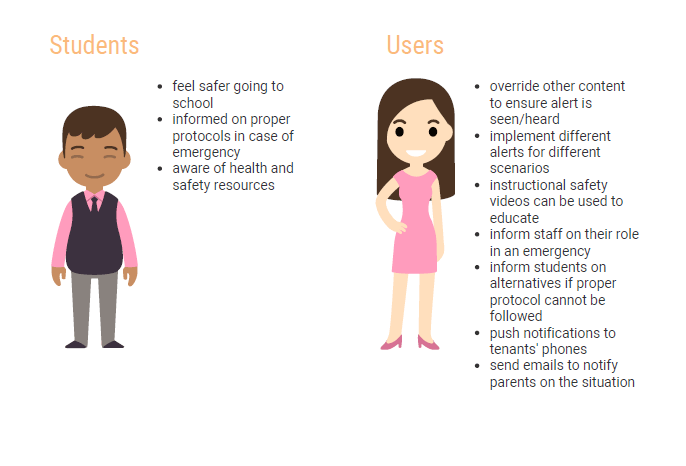
Weather and emergency information matters because some school communication changes quickly. Weather delays, severe-weather awareness, closures, and urgent messages may need visibility across campus alongside the school’s other approved communication channels.
Digital signage should be treated as one part of a broader safety and communication process, not as a standalone emergency system. REACH’s validated source material supports emergency and weather alert use cases at a high level, but the exact supported system, alert behavior, implementation, and fees should be validated before a school relies on a specific integration.
Schools researching this topic can also review REACH’s Emergency Messaging resource for additional context.
Social media and community updates
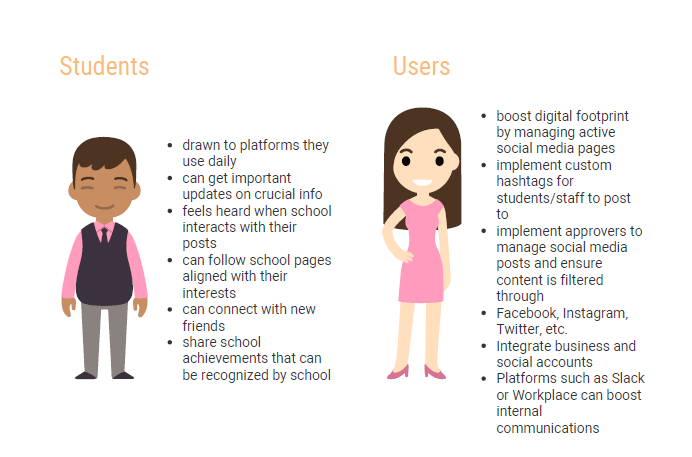
Social content can add value when it extends appropriate school-community communication onto physical screens. It is best suited to achievements, event promotion, school culture, community involvement, and other content that is already intended for broad public viewing.
It should not replace essential operational communication. A hallway screen dominated by a social feed can make a testing reminder or schedule change harder to notice. Schools should decide which audiences need community content, apply their normal moderation and approval practices, and balance it with information that students and visitors need to act on.
Video and multimedia apps
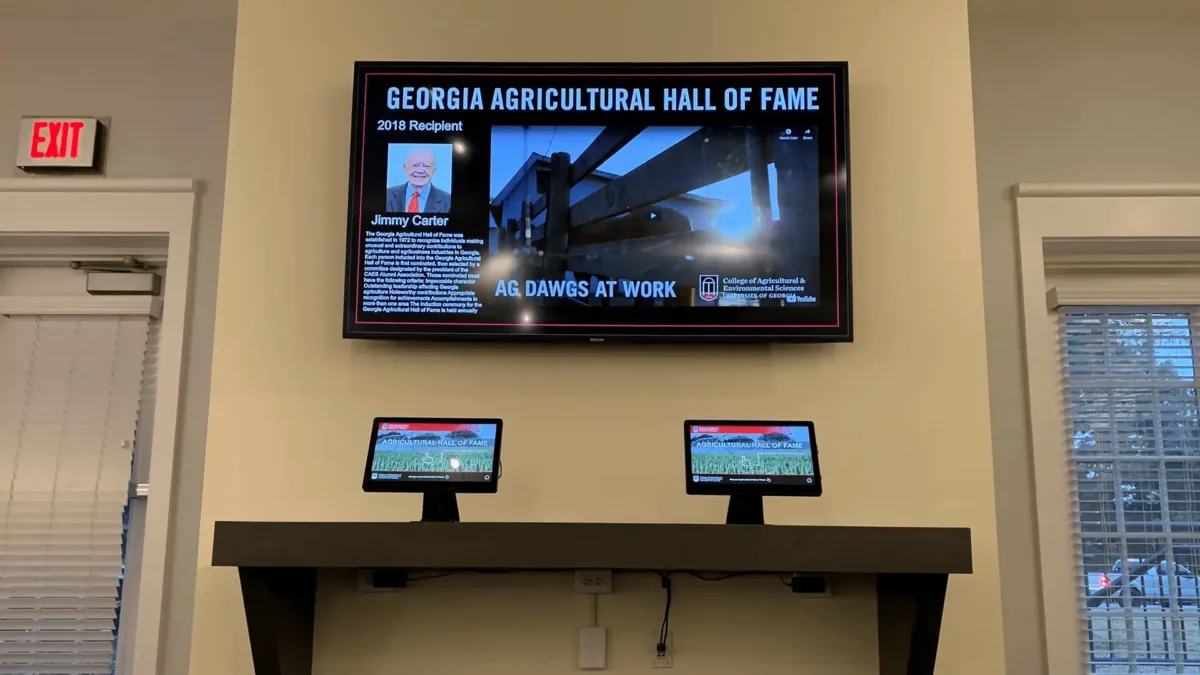
Video works best when motion or storytelling adds something that a short announcement cannot. Welcome screens, student showcases, event highlights, educational campaigns, and selected promotional content are natural examples. Video can be especially useful in spaces with longer dwell time, provided the content still makes sense in the physical environment.
Not every display needs continuous video. In hallways or entrances, people may only glance at a screen for a few seconds, so concise text, imagery, and schedules may communicate more effectively. Use multimedia as one part of the content mix rather than treating it as the default format for every message.
Choosing the right apps for your school
There is no single “best” app mix for every K-12 school. Start with the communication problem, identify who needs the information and where they will see it, then choose the content source that reduces manual work without making the screen harder to understand. A district may prioritize shared announcements and calendars, while an individual school may put more emphasis on events, recognition, visitor information, or culture.
| Communication need | Recommended app type | Typical screen context |
|---|---|---|
| Daily announcements | News or announcement feed | Hallways, commons, entrance |
| School events | Calendar | Entrance, hallways, cafeteria, front office |
| Visitor information | Directory or calendar | Reception and entrance |
| Student recognition | Media gallery or announcement feed | Entrance, hallways, cafeteria |
| Weather updates | Weather information | Entrances and high-traffic areas |
| Community engagement | Social feed | Commons and selected public-facing screens |
| Emergency communication | Alert integration | Campus screens as part of an approved safety process |
Aurora Public Schools and Westborough Public Schools are among REACH’s strongest validated K-12 examples for district-wide and holistic school communication. Their relevance here is the communication model—not proof that every school should use the same app mix or integration workflow.
Frequently asked questions
What are digital signage apps?
Digital signage apps are content sources or integrations that help screens display useful information such as calendars, announcements, weather, social updates, multimedia, or alerts. For schools, the best app is not necessarily the most sophisticated one; it is the one that makes an important communication workflow more visible and easier to keep current.
Which digital signage apps are most useful for schools?
Calendars, announcement feeds, weather information, community or social content, multimedia, and alert integrations are useful categories for K-12 schools. Priorities depend on the school’s communication needs. A busy events calendar may be the highest-value source for one school, while another may need stronger daily announcements or district-wide updates.
Can digital signage display school calendars?
Yes, digital signage can display school calendar and event information. This can be useful for assemblies, testing schedules, concerts, parent evenings, athletics, and other activities. The specific calendar system, integration method, update behavior, and any implementation requirements should be confirmed before publishing detailed claims about a particular platform or provider.
Should schools use social media on digital signage?
Schools can use appropriate social content on digital signage for achievements, events, school culture, and community involvement, but it should not displace essential operational information. Social content should follow the school’s normal moderation and approval practices and be placed where the intended audience benefits from it.
What information should schools automate on digital signage?
Schools should prioritize information that changes frequently and already exists in another operational source, such as event calendars, recurring announcements, or approved weather and alert information. Automation is useful only when it reduces manual duplication and keeps screens accurate. Exact integration behavior should be validated for the source being connected.
How do schools keep digital signage content up to date?
Schools can keep screens current by using repeatable content sources, scheduling time-sensitive messages, removing expired information, and assigning clear ownership for review. Update frequency should follow the underlying information: a schedule change may need immediate attention, while recognition or culture content can remain relevant longer.
Explore more K-12 digital signage resources
The most effective school displays usually combine several complementary content sources instead of depending on one app. Once the communication priorities are clear, the next step is to explore the broader school signage strategy and the content sources that support it.
- Digital Signage for Schools & Districts
- Digital Signage Solutions for K-12 Schools
- Digital Signage Apps
- Calendar App
- Emergency Messaging
If you are moving from app ideas into broader platform evaluation, explore REACH Digital Signage for Schools & Districts for the complete K-12 solution.