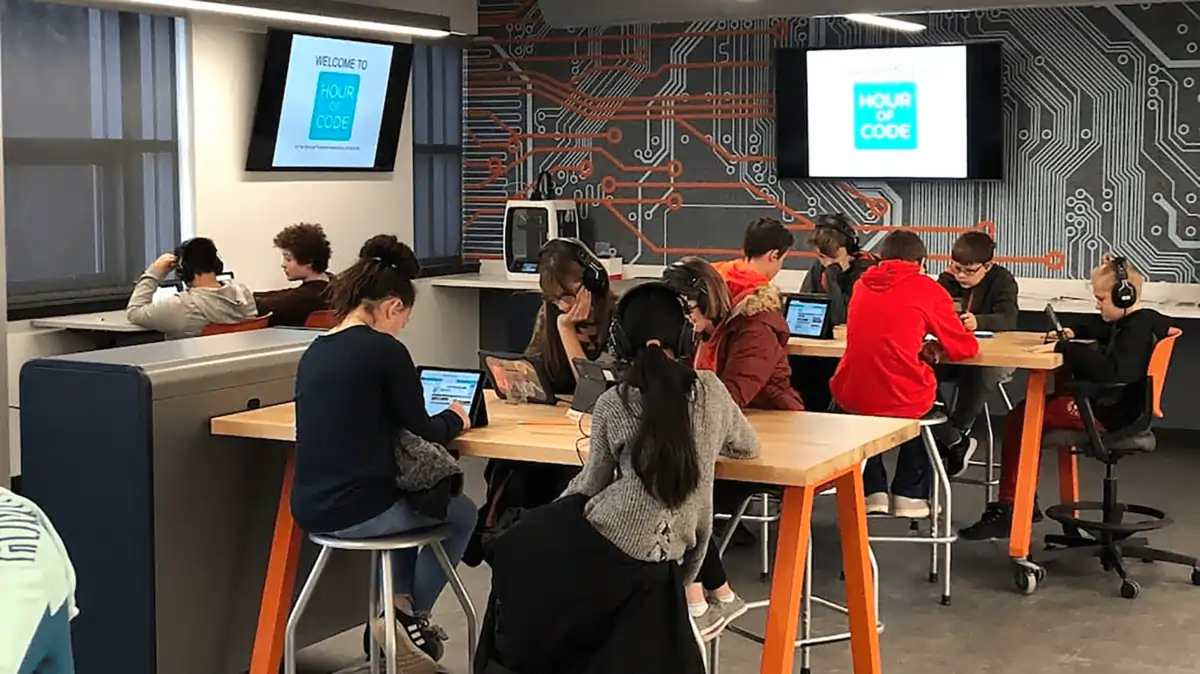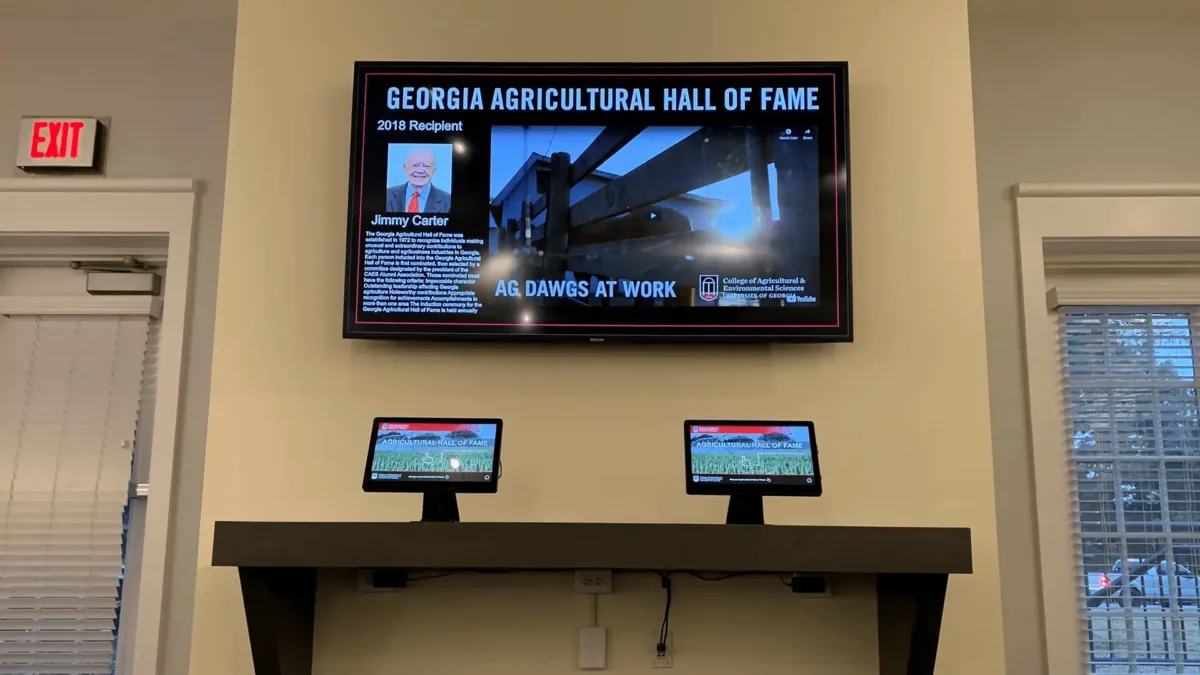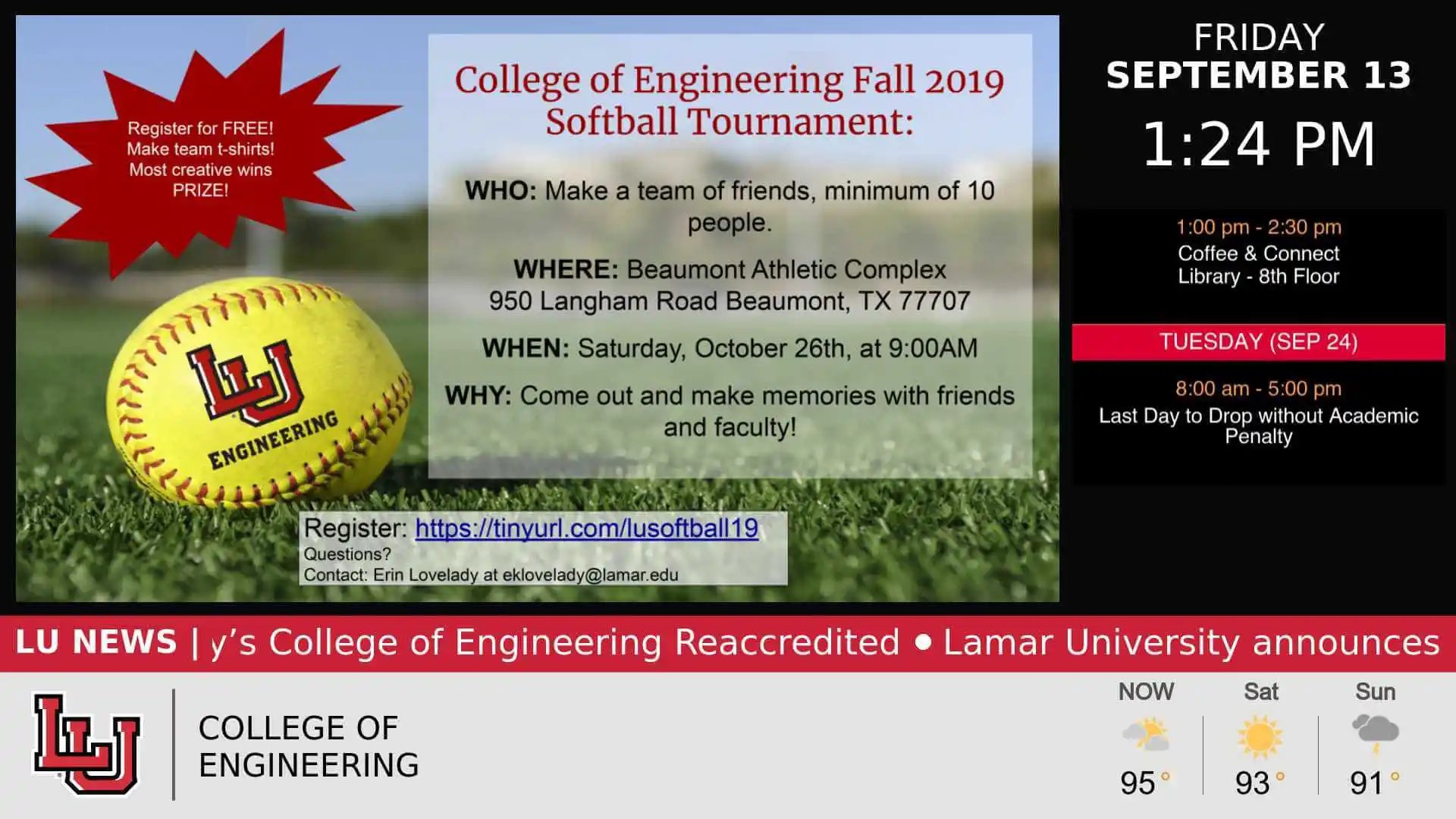
Digital signage for K-12 schools gives students, staff, families, and visitors a visible source for timely information throughout the school day. Schools can use screens for daily announcements, events, lunch menus, testing reminders, athletics, recognition, visitor information, and other messages that are easy to miss in email or on paper.
Every school communicates differently, so the most useful signage plan starts with the information people need, where they need it, and how quickly it changes. For a broader look at platform capabilities and solution evaluation, explore Digital Signage for Schools and Districts.
TL;DR: How schools use digital signage
- Put daily announcements and time-sensitive reminders where students already move through the building.
- Match content to location: menus in cafeterias, athletics near gyms, visitor information near entrances and front offices.
- Mix practical information with student recognition, clubs, events, and school-culture content.
- For districts, share common messages across campuses while leaving room for school-specific communication.
- Keep screens useful by scheduling predictable content and removing expired messages.
Everyday communication schools can improve
The strongest use for school digital signage is everyday communication: information that needs to be visible at the right moment, not buried in an inbox or taped to a wall. Screens can reinforce existing channels by giving people another place to see what matters while they are already on campus.
Daily announcements can cover assemblies, testing reminders, schedule changes, school news, calendars, athletics, lunch information, and weather-related notices. Recognition content can highlight student achievements or staff contributions, while front-facing displays can help families and visitors understand where to go and what is happening that day. Emergency-related messages should remain generic unless the school has validated the specific alert workflow it plans to use.
| Communication need | Practical screen content | Why it helps |
|---|---|---|
| Daily awareness | Announcements, school news, calendars | Keeps recurring information visible during the school day. |
| Time-sensitive updates | Testing reminders, schedule changes, weather delays | Gives changing information a prominent on-campus channel. |
| School community | Student and teacher recognition, clubs, spirit weeks | Makes school activity and accomplishments visible. |
| Programs and activities | Athletics, assemblies, career days, community events | Helps students discover opportunities beyond class. |
| Visitor communication | Welcome messages, event details, front-office directions | Provides useful context at arrival points. |
| Dining | Lunch menus and cafeteria schedules | Puts information where students make an immediate decision. |
For the broader K-12 solution, including evaluation considerations beyond these communication examples, visit REACH Digital Signage for Schools and Districts.
Where digital signage works across a school
Screen location should shape the message. A display near an entrance serves a different audience and moment than one outside a gym or inside a cafeteria. Matching content to context makes each screen easier to understand and keeps the network from becoming a set of identical displays.
Schools do not need a screen in every possible location. Start with places where people naturally pause, pass through, or need information, then choose content that fits the viewing distance and dwell time.
| Location | Useful content | Communication role |
|---|---|---|
| Entrance | Welcome messages, visitor notices, major events | Helps orient students, families, and visitors. |
| Hallways | Announcements, reminders, clubs, events | Reaches students between classes with concise updates. |
| Cafeteria | Menus, schedules, school activities | Pairs timely information with a high-traffic location. |
| Library | Events, reading initiatives, guest speakers | Supports location-specific programs and discovery. |
| Gym / athletic wing | Athletics, club news, schedules | Keeps sports and activity content close to the relevant audience. |
| Front office | Visitor information, welcome messages, event details | Supports arrival and front-office communication. |
Westborough Public Schools offers a useful location-based example: the district has used different content in different areas, such as athletics-focused messaging in an athletic wing and library programming in a library setting. The lesson is simple: the same school can have multiple communication contexts, and the content should reflect them.
Content ideas that keep students engaged
Useful school signage should do more than repeat administrative notices. A balanced content mix gives students reasons to look at screens regularly while still preserving space for important information. The goal is not to make every message entertaining; it is to make the screen feel current, relevant, and connected to school life.
Recognition works because it makes the school community visible. Student achievements, birthdays where appropriate, teacher recognition, team accomplishments, and club milestones can sit alongside upcoming events, spirit weeks, career days, attendance reminders, and community opportunities. Athletics and club promotion are especially useful when the screen is close to the place where those activities happen.
Spruce Grove Composite High School is a relevant example of using digital signage for school announcements and student-facing communication. Customer evidence should reinforce the communication approach rather than be treated as proof that any one content type guarantees engagement.
Supporting district-wide communication without losing local relevance
Districts can use digital signage to make shared messages more consistent across multiple schools while still allowing each campus to communicate what matters locally. District campaigns, calendar reminders, major announcements, and common initiatives may need broad visibility; school events, clubs, athletics, and building-specific notices often need a local voice.
Aurora Public Schools illustrates this balance. Its digital signage approach supports communication across a large district while individual schools can use content suited to their own communities. That pattern is useful for districts that want shared communication without turning every campus screen into an identical feed.
Keep this operational model simple at the article level: decide which messages should be shared, which should stay local, and who owns keeping each category current. Detailed permissions, governance, and CMS configuration belong in solution evaluation rather than the day-to-day communication plan.
Keeping school screens useful
Stale content is one of the fastest ways to make a screen less useful. Schools can reduce that risk by treating screen content as an ongoing communication rhythm rather than a collection of one-time slides. The right update cadence depends on the information itself: a same-day schedule change needs immediate attention, while an evergreen visitor message can remain longer if it is still accurate.
A practical workflow is to assign ownership, schedule predictable announcements in advance, rotate seasonal or recurring content, update event information when details change, and remove expired messages promptly. REACH can support this kind of workflow through cloud-based content management, remote publishing, scheduling, and playlists, while school teams retain the ability to manage their own content. The Content Intelligence Hub also validates professional setup, branded initial layouts, training, and unlimited support as part of the broader REACH service story.
| Content type | Refresh trigger | Example |
|---|---|---|
| Daily / time-sensitive | When the underlying information changes | Schedule changes, testing reminders, weather delays |
| Event-driven | As dates, locations, or registration details change | Assemblies, athletics, career days |
| Seasonal | Before and after the relevant period | Back-to-school, spirit week, graduation |
| Recurring | On a planned rotation | Clubs, recognition, lunch information |
| Evergreen | When accuracy or usefulness changes | Visitor guidance, school values, general reminders |
Common mistakes schools make with digital signage
Most signage problems are content problems rather than screen problems. The following mistakes can make useful displays easier to ignore or harder to maintain:
- Putting too much text on a screen that people view while walking.
- Leaving old announcements or event promotions live after they expire.
- Showing identical content everywhere instead of matching messages to location.
- Focusing only on students and overlooking parents, visitors, or front-office needs.
- Using screens only for emergencies instead of building a useful everyday communication habit.
A better approach is to give each screen a clear communication job, keep messages concise, and review content often enough that viewers can trust what they see.
Frequently asked questions about digital signage in schools
What is digital signage used for in schools?
Schools use digital signage to make everyday information visible across campus. Common uses include announcements, event calendars, testing reminders, lunch menus, athletics, club promotion, student or staff recognition, visitor information, and schedule updates. The most effective use depends on the audience and location, so hallway content may differ from what appears in a cafeteria, library, athletic wing, or front office.
What should schools display on digital signage?
Schools should display information that is timely, useful, and appropriate to the screen location. That can include daily announcements, school news, upcoming events, clubs, athletics, lunch menus, recognition, career days, spirit weeks, facility reminders, and visitor messages. A balanced rotation helps screens serve both practical communication and school-community content without becoming a static bulletin board.
Where should schools place digital signage?
Schools should place screens where students, staff, families, or visitors naturally pass through or need information. Entrances and front offices work well for welcome and visitor content; hallways for announcements; cafeterias for menus; libraries for programs; and gyms or athletic areas for sports and activity updates. Location should determine both the message and how quickly viewers need to understand it.
How often should school displays be updated?
School displays should be updated whenever the underlying information changes rather than on one universal schedule. Same-day announcements and schedule changes may need immediate updates, while event promotions can change as details evolve and evergreen visitor information can remain longer. Regular review, scheduled recurring content, and prompt removal of expired messages help keep screens credible and useful.
Can digital signage improve communication across multiple schools?
Yes. Districts can use digital signage to support consistent communication across multiple schools while preserving room for campus-specific messages. Shared district campaigns, calendars, and major announcements can appear broadly, while each school can focus on local events, clubs, athletics, and building information. The key is defining which content is shared, which is local, and who is responsible for keeping each category current.
Next steps for K-12 school communication
Digital signage works best when it is treated as part of the school’s communication system: visible, current, location-aware, and useful throughout the day. Start with the messages people routinely miss or staff repeatedly communicate, then decide where those messages need to appear.
For the complete K-12 solution, explore Digital Signage for Schools and Districts. For real-world examples, see Aurora Public Schools, Westborough Public Schools, and Spruce Grove Composite High School.
Explore REACH Digital Signage for K-12 Schools
If your school or district is evaluating platforms, request a demo after you have identified the communication needs, locations, and content workflows you want the system to support.