REACH Implements PerfectMind Integration & Playlist Grouping
REACH’s content-management system will now offer integration with PerfectMind in the calendar application and the ability to group playlist items together. To pull calendars from your PerfectMind account, you need:
-
- The calendar API key
- Client number
- Base URL
With the new grouping option for playlist items, you will be able to create and rename groups, edit the groups, and copy and paste groups from one playlist to another. When you group items together, whether the playlist timeline is set to linear, loop, or timed, everything within that group will play back to back. It will play EVERYTHING in order.
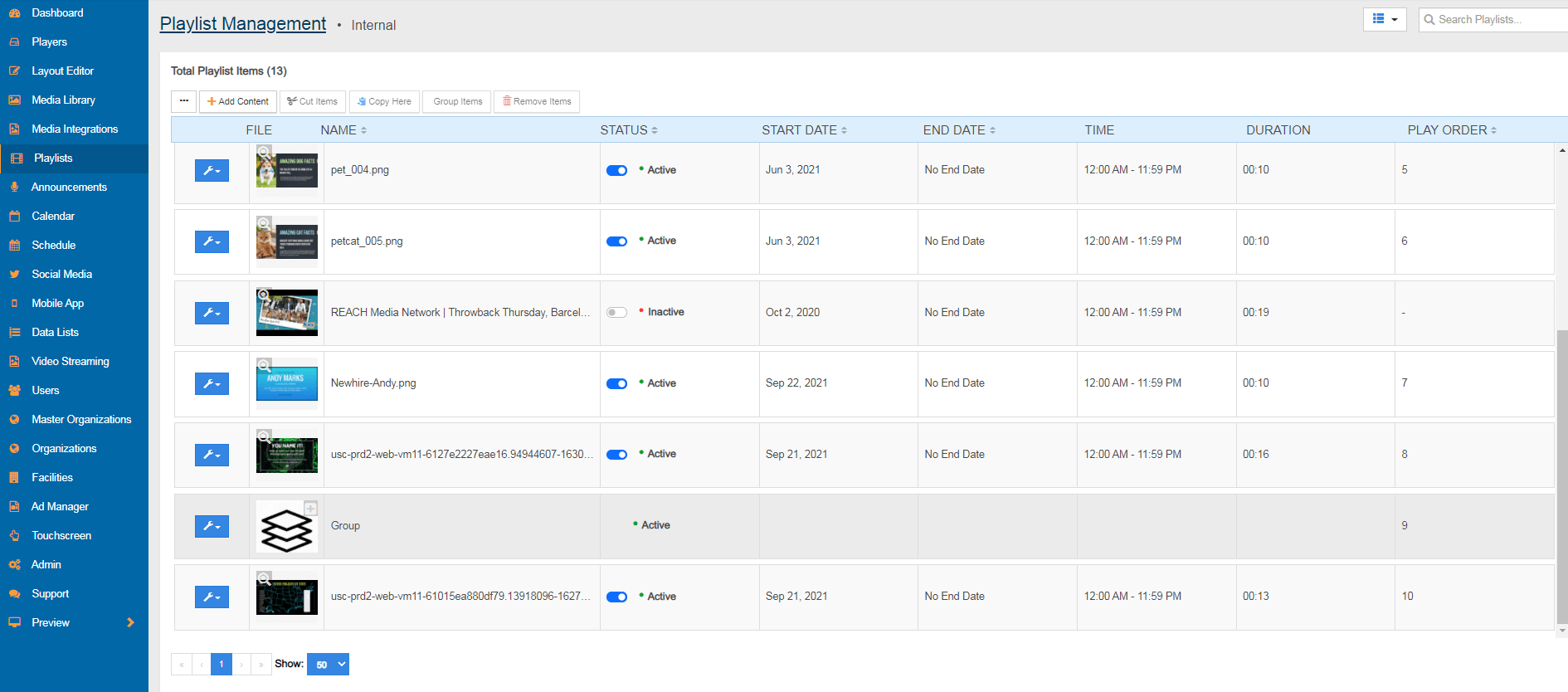
Please note: You will only be able to see groups within the playlist application on a standard or condensed view. If you are viewing from a timeline view in the application, you will not be able to see the group.