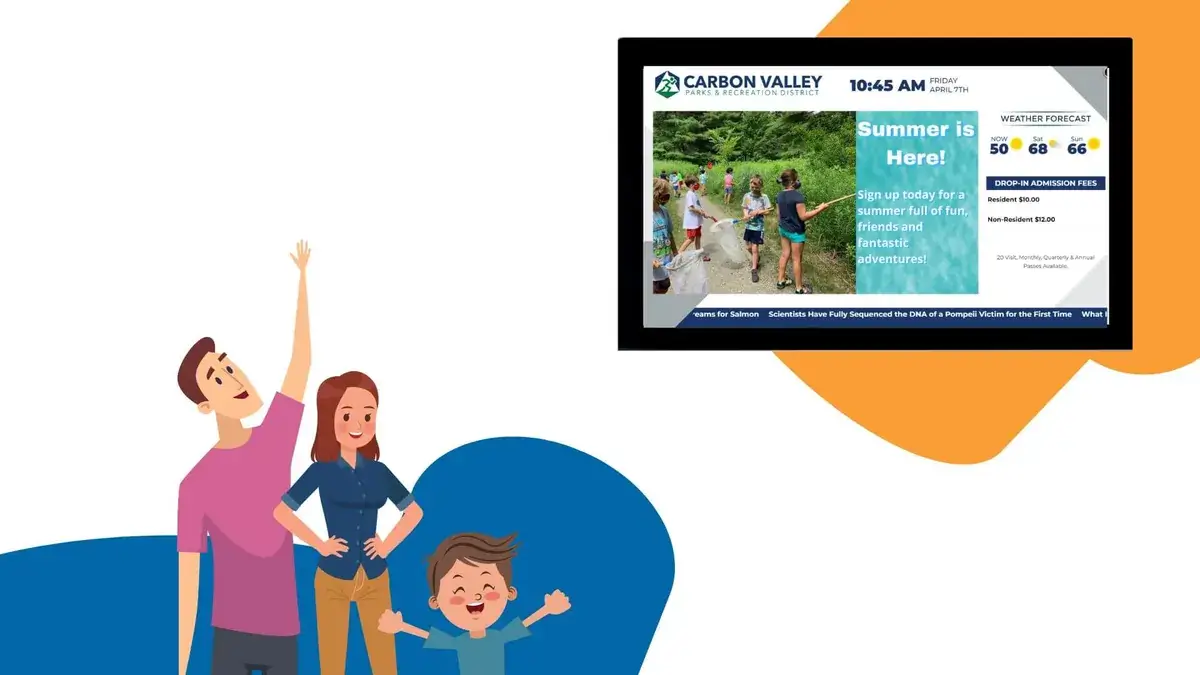
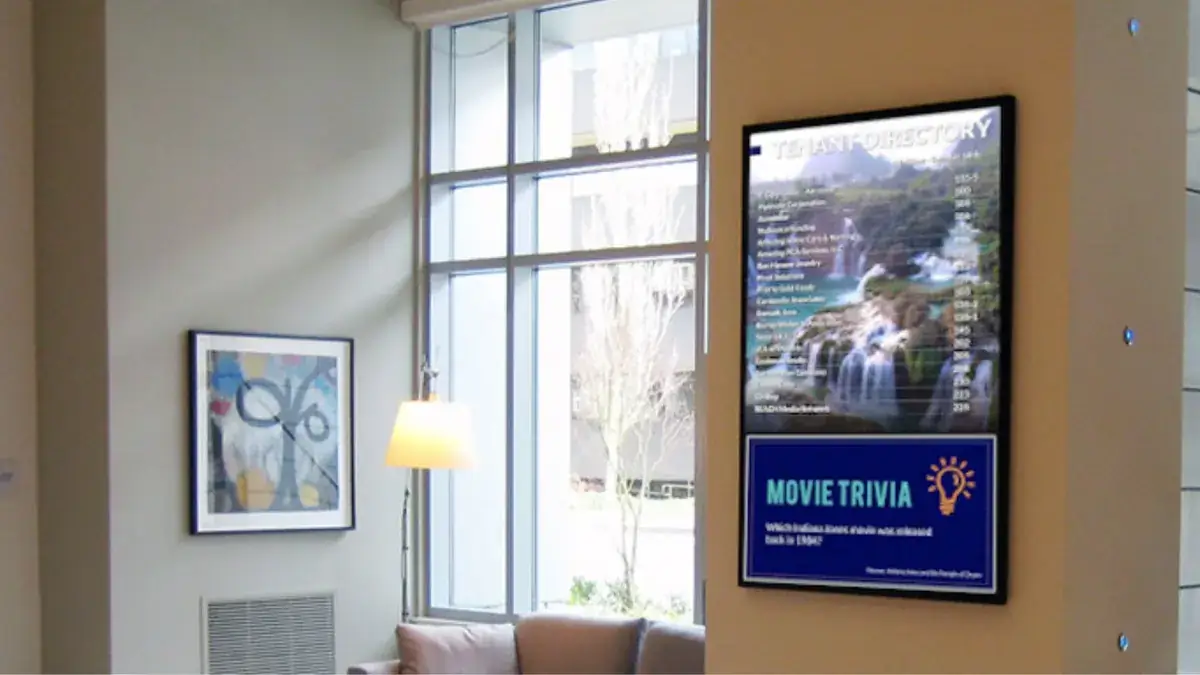
Microsoft Teams keeps people connected wherever work happens. REACH helps extend that connection beyond laptops and mobile devices by bringing timely content into Teams Rooms and sending live Teams broadcasts to digital displays across your organization.
The result is a more flexible communication network. Meeting-room screens can keep working between calls, and important live events can reach employees in offices, production areas, break rooms, lobbies, and other shared spaces. As a result, these idle screens can turn into content hubs that help you achieve your communication goals.
That’s not all REACH Digital Signage can help you with. When you sign on to REACH, you join a vast network of industry professionals ready to help you succeed. Whether it’s technical support, creative design, or best practices, REACH is filled with industry experts who can guide you on the right path for your project. Check out the links below to begin scoping out your project!
Two ways to connect Teams and digital signage
Turn idle Teams Rooms into a communication space
A Teams Room display does not have to sit on a home screen between meetings. With digital signage enabled, REACH content can appear on front-of-room displays when the room is idle, then return users to the familiar Teams experience when it is time to meet.
This creates an additional communication touchpoint without adding another screen. Organizations can use room-specific REACH playlists to show company news, approaching deadlines, event reminders, safety messages, employee recognition, training prompts, or other content that matters to the people using that space. Expanding your signage in this way gives you all the flexibility a digital display would offer without adding additional costs or taking up more display space.
REACH content is added as a web-based signage source and assigned to the appropriate rooms or device groups. See an overview of the Teams Rooms setup. Your Microsoft Teams administrator can help confirm compatible devices, licensing, permissions, and display settings.
Bring live Teams broadcasts to displays across your organization
REACH can also take a supported Teams meeting or event and distribute its live stream to selected digital signage players. This makes it easier to reach employees who may not be sitting at a computer or joining the meeting individually. It also helps connect remote workers with office staff, which can boost collaboration and bring teams closer together.
The REACH Live Streaming application provides the streaming URL and key used by Teams. Once the stream is connected, REACH can deliver the broadcast to the screens and schedules you choose. An override can bring the live content to the screen when the broadcast starts, while scheduled layouts help determine where and when it appears.
Because live-streaming permissions are controlled in Microsoft Teams, an administrator may need to enable the appropriate meeting policy before an organizer can connect the stream. REACH recommends testing every live event in advance. Learn more about live streaming from Teams to REACH.
What can you communicate?
The integration is designed to support the moments when the same message needs to reach people in different places and work environments. Common possibilities include:
- Leadership communications. Share company meetings, executive updates, and town halls with teams gathered around workplace displays.
- Training and onboarding. Bring instructor-led sessions, demonstrations, and orientation content into shared spaces.
- Operations and safety. Extend shift updates, safety briefings, process changes, and urgent guidance to employees away from desks.
- Events and deadlines. Use idle Teams Rooms to reinforce upcoming meetings, enrollment dates, celebrations, and organizational milestones.
- Performance and priorities. Pair Teams communications with dashboards, KPIs, goals, and other visual content managed through REACH.
- Culture and recognition. Celebrate employees, welcome visitors, and keep company values visible throughout the day.
Build on the Microsoft tools you already use
Teams is one part of the larger Microsoft environment that can support your signage strategy. REACH can help bring information from familiar tools into a shared visual channel: PowerPoint slides can support announcements, Excel and Power BI can turn business data into visible performance updates, Outlook and SharePoint calendars can promote events, OneDrive can help synchronize media assets, and Word documents can be added to the media library for display. REACH aims to provide a seamless integration between the two to help improve operational efficiency.
Together, these connections reduce the need to rebuild content for every channel. Your communication team can work from established files and workflows while using the REACH CMS to organize playlists, tailor content by location, and publish to the displays that serve each audience. This cuts down on the need for extensive training, allowing teams to operate in environments they are familiar with.
Plan the experience around your audience
A strong rollout starts with the communication need, not the technology. Decide whether your goal is to make better use of idle Teams Rooms, broaden the audience for live Teams broadcasts, or combine both approaches. From there, strategically select locations. Identify the rooms, displays, and employee groups that should receive each content type.
Before rollout, coordinate with your Teams administrator and REACH representative to confirm access, configure the necessary sources and permissions, create room-specific or event-specific playlists, and complete a test run. Requirements can vary by device, Microsoft license, Teams policy, and REACH subscription, so validating the environment before launch helps create a smoother transition.
Make every screen part of the conversation
Microsoft Teams already brings people together. REACH gives organizations more ways to carry those communications into the physical workplace – from the conference room between meetings to the display employees pass throughout the day.
Whether you want to activate idle Teams Rooms, expand the reach of a live broadcast, or connect more of your Microsoft content to digital signage, the REACH team can help you scope the right approach. Contact your REACH representative or request a demo below to get started.
READY TO START YOUR DIGITAL JOURNEY?
Discover how digital signage can transform your communication strategy. Reach out to REACH Digital Signage today to learn more about our solutions, explore custom integrations, and see how we can help you connect with your audience in meaningful ways.